
|
News sections
Update on ChessStar website
We have recreated the sections My Album and Composers' Album having new functions. In the Composers' Album, located in the Other subsection of the main panel, composers, at their will, can publish their compositions having appeared at any time. 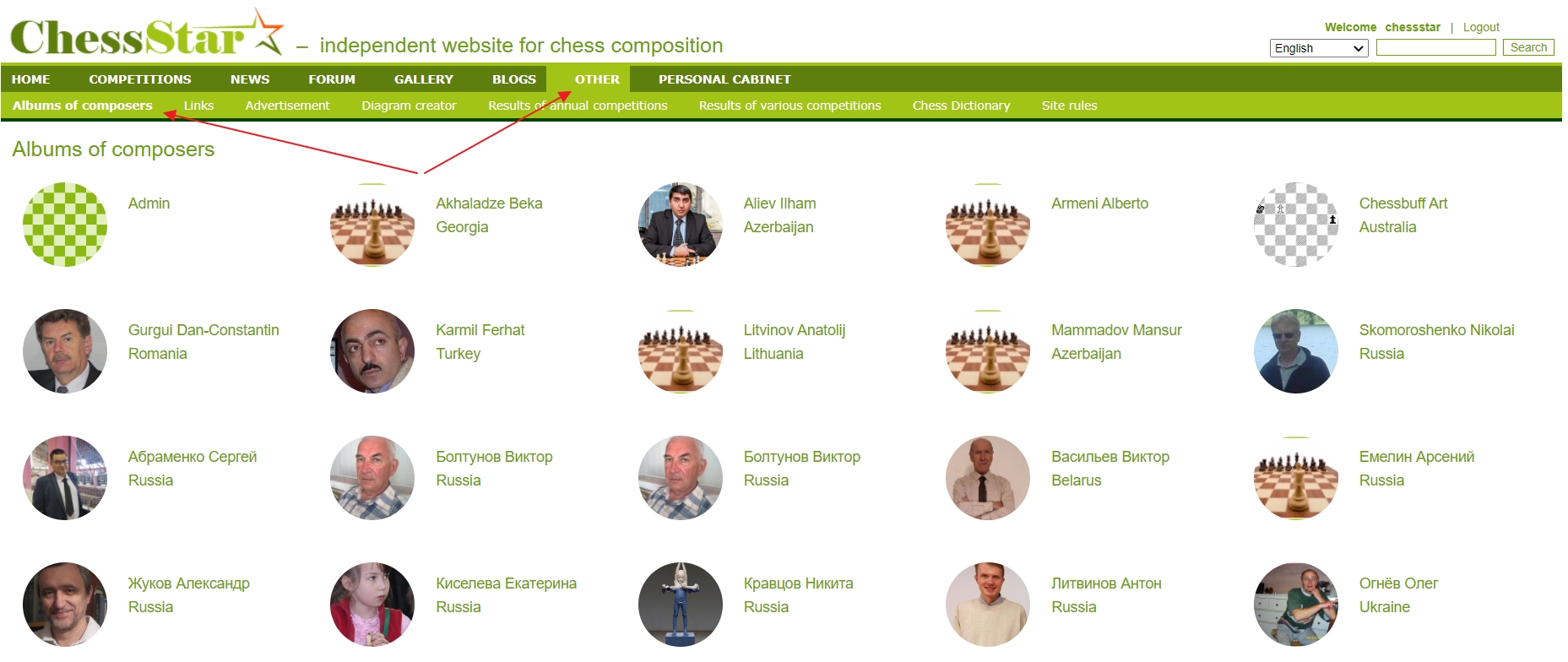 As a matter of fact, the Composers' Album is a database of chess problems and studies, being also very convenient for editing, to boot. The disadvantage is that there is no possibility of searching by certain parameters yet, but as they say: Moscow was not built right away! It is important that a start has been made. Furthermore. My Album, which is located in the Personal Account is the section where the authors publish their works. 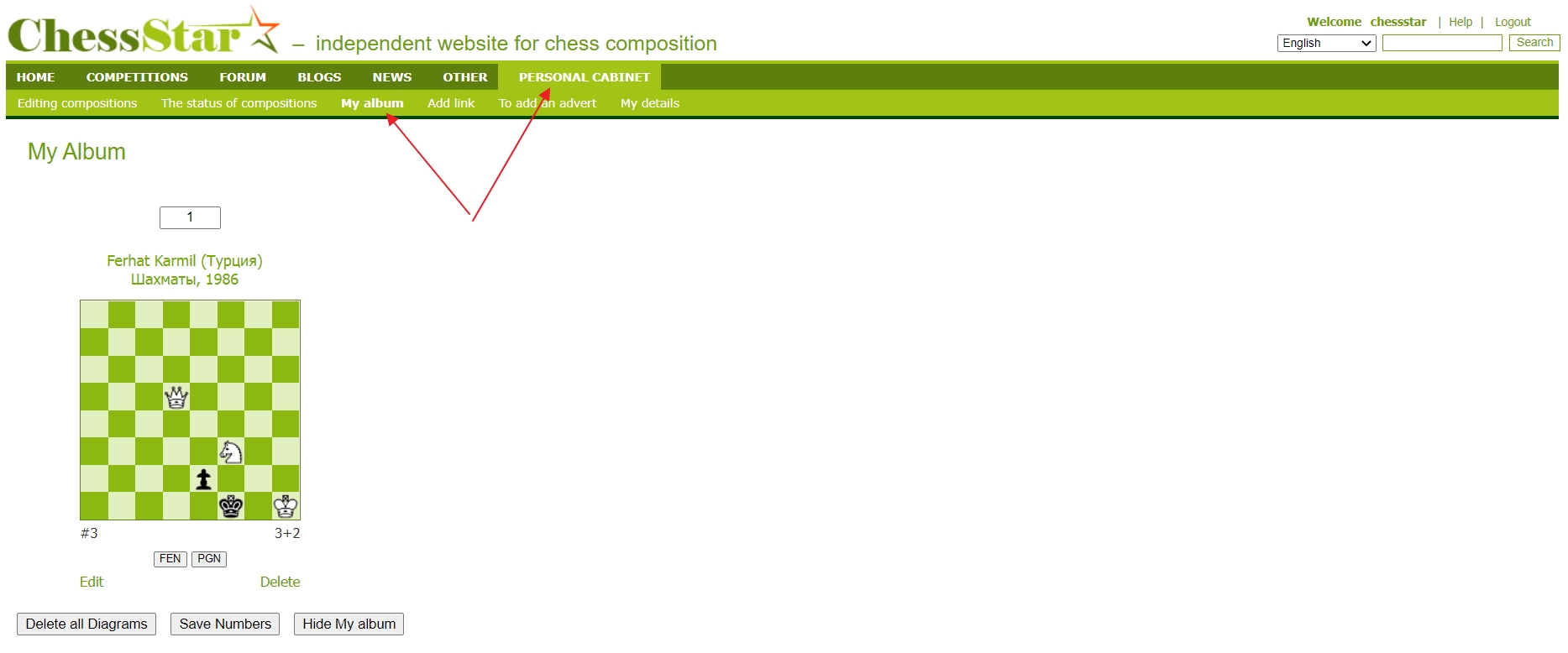 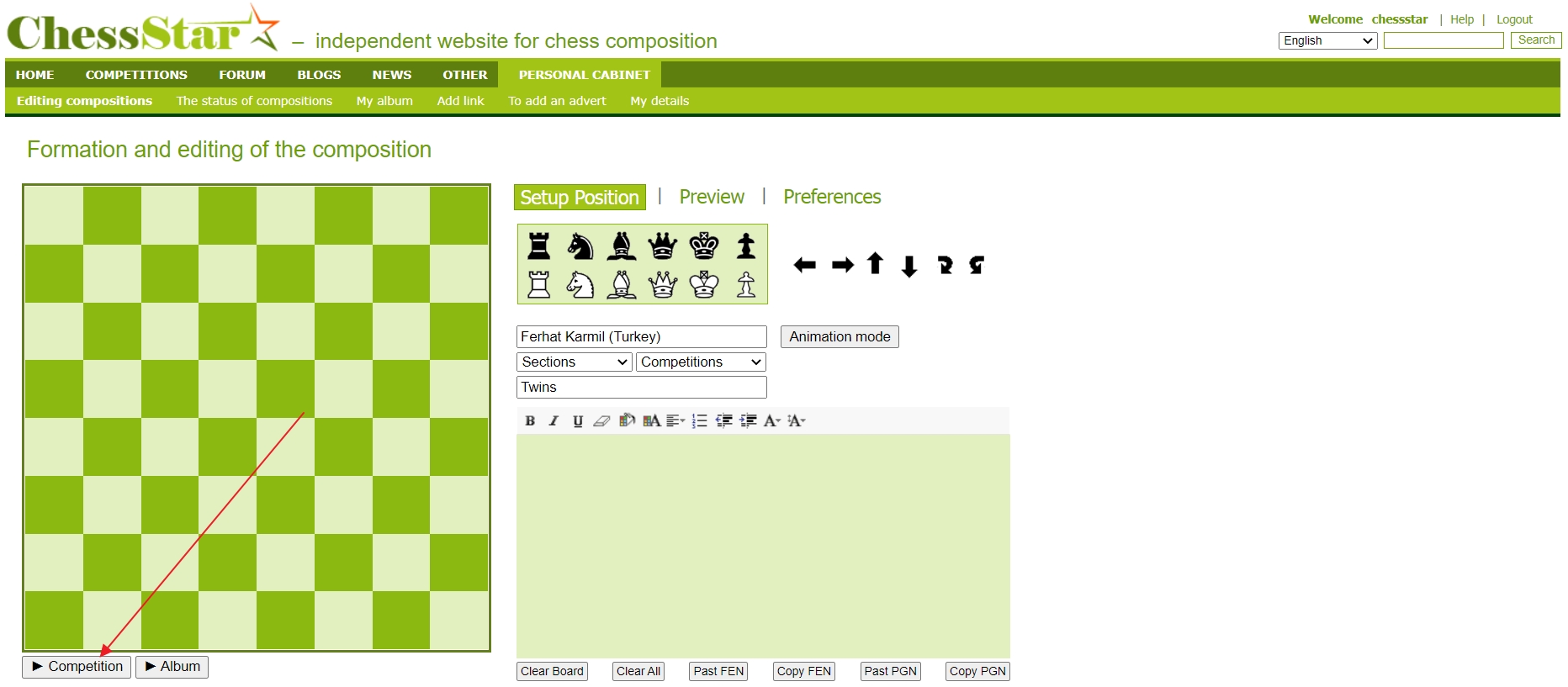 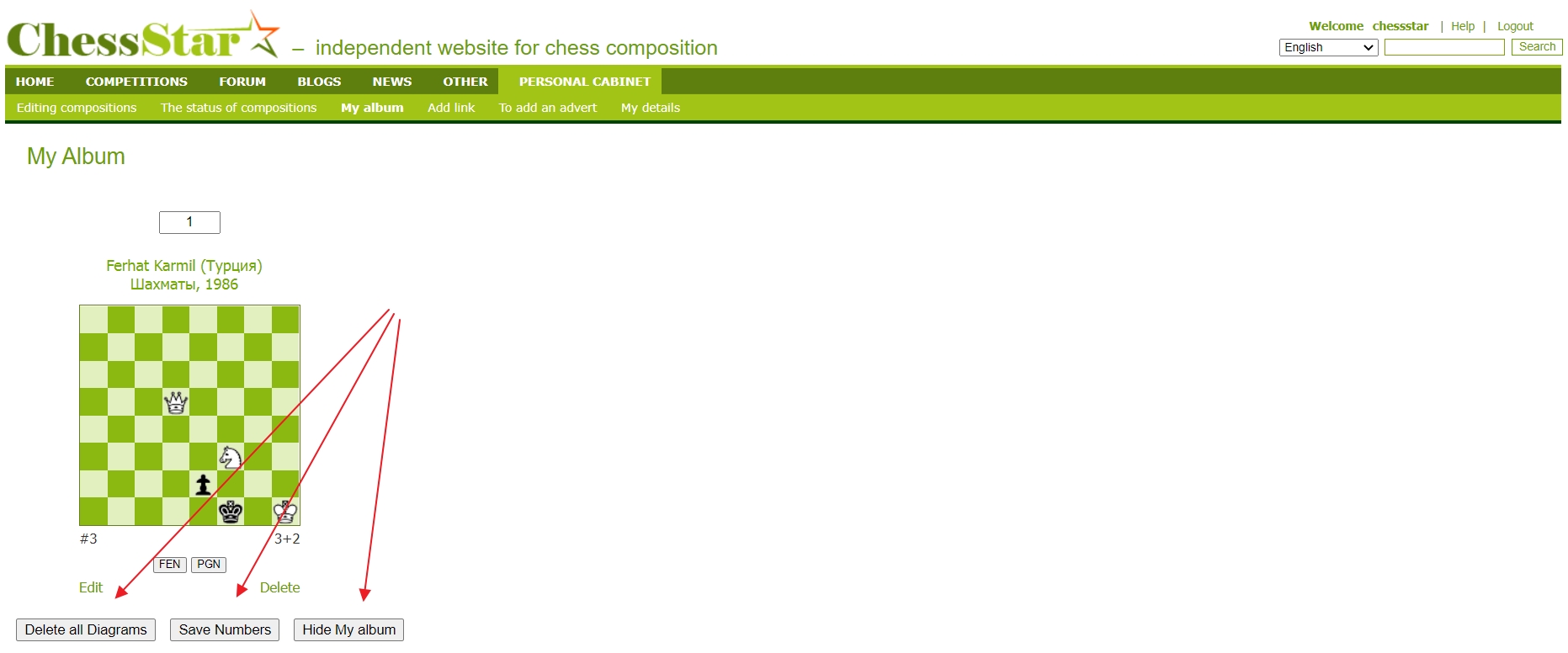 1. Delete all the diagrams 2. Save all the numbers 3. Publish My Album By clicking on the first button, all the diagrams will be deleted and irrevocably, at that. So, be careful with this button. The second button Save numbers is to guarantee that, after you've numbered your works, edited them, and then clicked on this button, all your changes will be saved. And by clicking on the last button, which wasn't present before, your Album will be published in Composers' Album. If you want to switch to hidden mode again so that your works are not visible in Composers' Album, click on the same Hide my album button. Send your compositions to My Album on the editing page. There, under the diagram, there is an Album button, by clicking on which, after forming your composition, your work will go to My Album section. 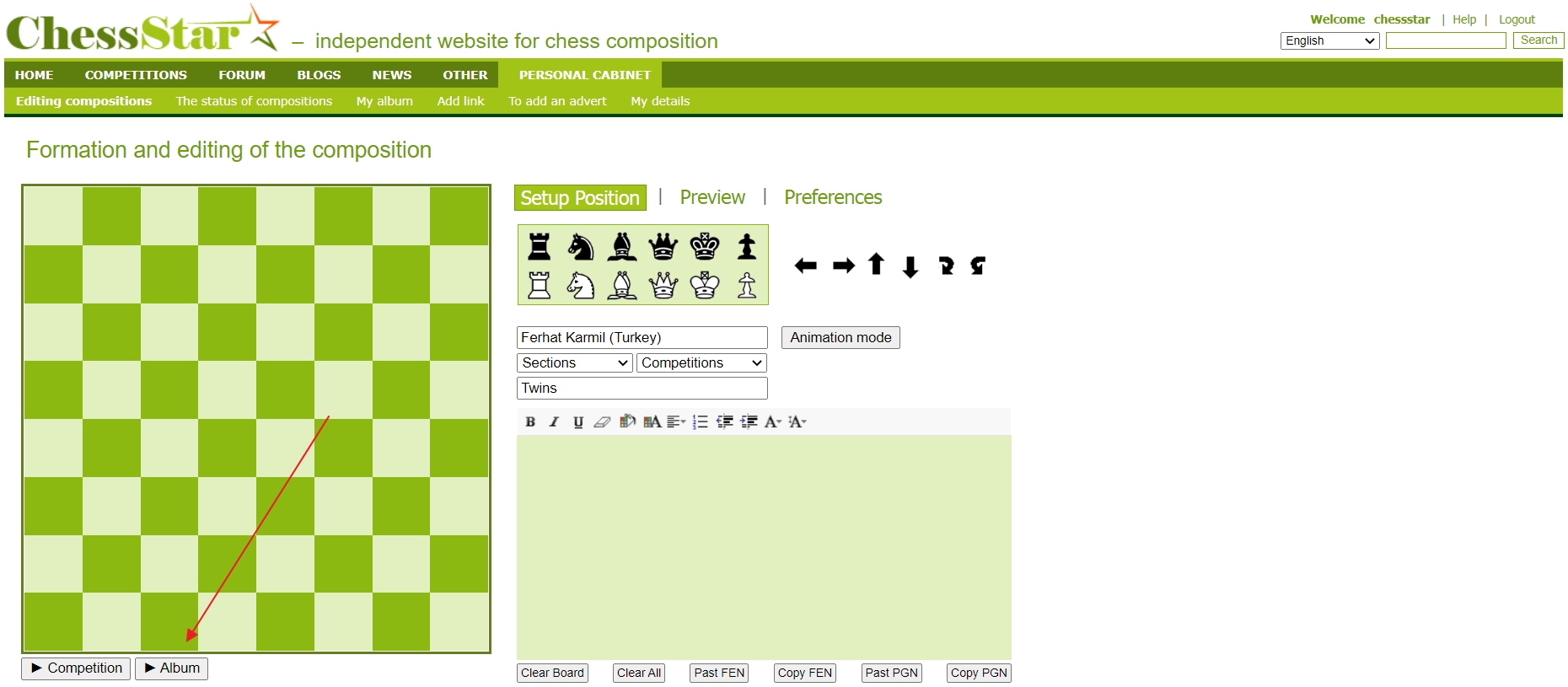 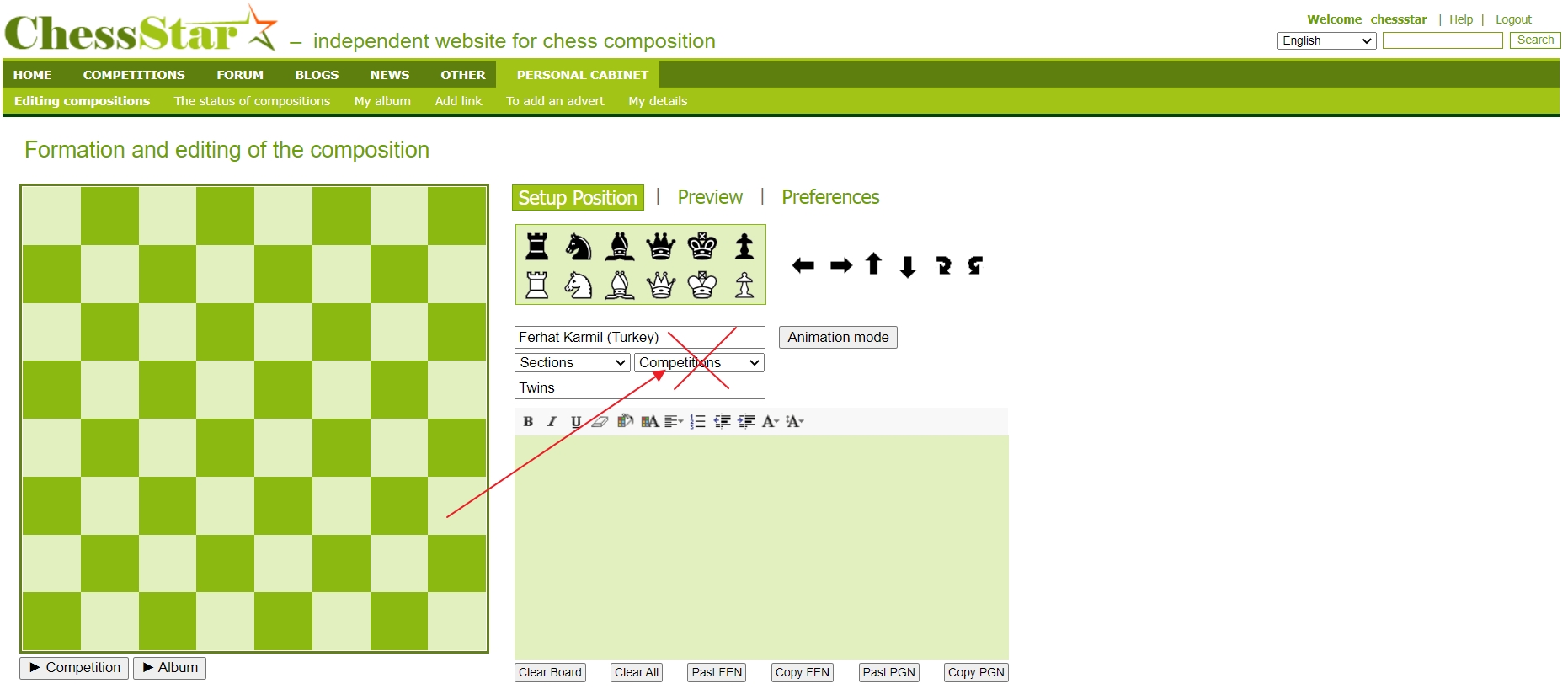 And another news is that, in 2023, our forum will radically change and be very convenient regarding communication, where each user can easily insert diagrams with solutions into their comments. This function is still available but it is already outdated and does not correspond to the time, like the forum itself!  
Back to the section |
